Ask the teacher, don’t only watch
Pause the lesson and ask about the line you just heard. The answer stays with that lesson.
Bring PDFs, photos, and lecture videos. Get a short summary, a video lesson, and a quiz.
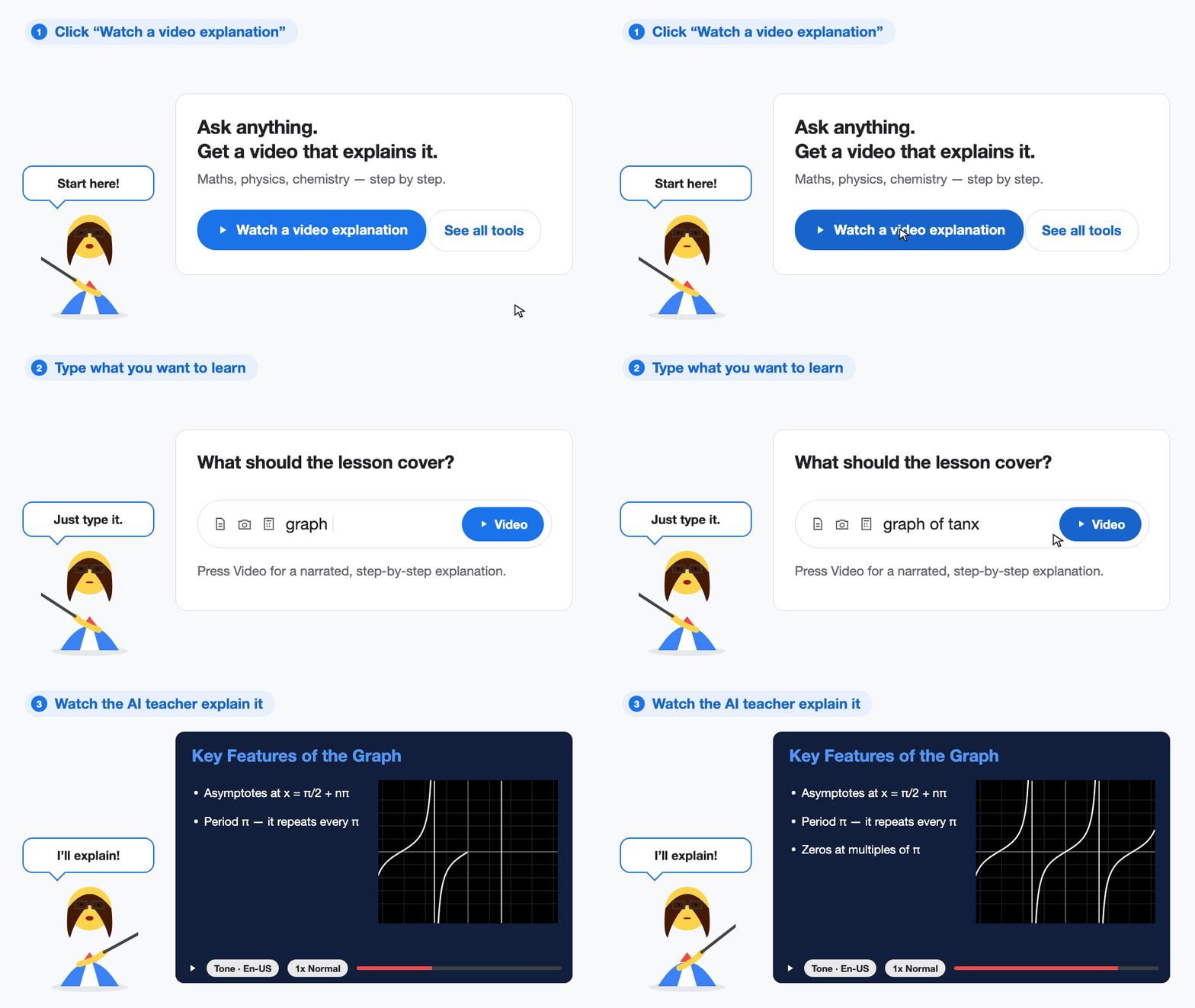
Pause the lesson and ask about the line you just heard. The answer stays with that lesson.
Hard ideas get a diagram or a graph, then a short question that checks whether the picture helped.
The video walks the working one step at a time, and says why that step comes next.
A live lecture, audio, a video, a PDF, or photos of the board become notes, flashcards, a quiz, and a short lesson.
Ask in the language you think in. Switch models when a subject needs a cleaner explanation.
Plot a function, a sine wave, or a triangle. Change a number and watch the shape move.
Student feedback
Every step on video
“I scanned my algebra worksheet and got a math video that walked through every step. Felt like a real teacher.”
The method stuck
“Long ChatGPT answers put me to sleep. Short StudyHobby videos finally made the method stick before quizzes.”
Faster at night
“AI video homework help is so much faster at night than reading pages of text.”
Add PDFs, a lecture video, or live audio. Leave with notes, flashcards, a quiz, and a short lesson.
A teacher talks through the steps on slides. Easier to follow than a paragraph of working.
Write the code with AI, run it, and ask why it failed.
Ask a question. StudyHobby reads live pages and shows where each point came from.
Describe the process. You get a flowchart you can edit.
Upload a photo of a problem, a slide, or a diagram. Get a summary or the solution.
PDFs, photos of notes or slides, a public YouTube link, a public article, notes you paste, or an audio or video recording. A PowerPoint file is not opened on its own. Export a PDF, paste the slide text, or photograph the slides.
No. The player shows the lesson: spoken lines, writing on the board, and a checkpoint. You can pause and ask about what you just saw.
No. Course Builder, Video Solutions, the code editor, Research Mode, flowcharts, Image Summary, and Math Playground use the same login.